
Your cart is empty
Pick a product to get started. Design it online or upload your own file.
Browse all productsShop by product
Need something custom? Request a quote


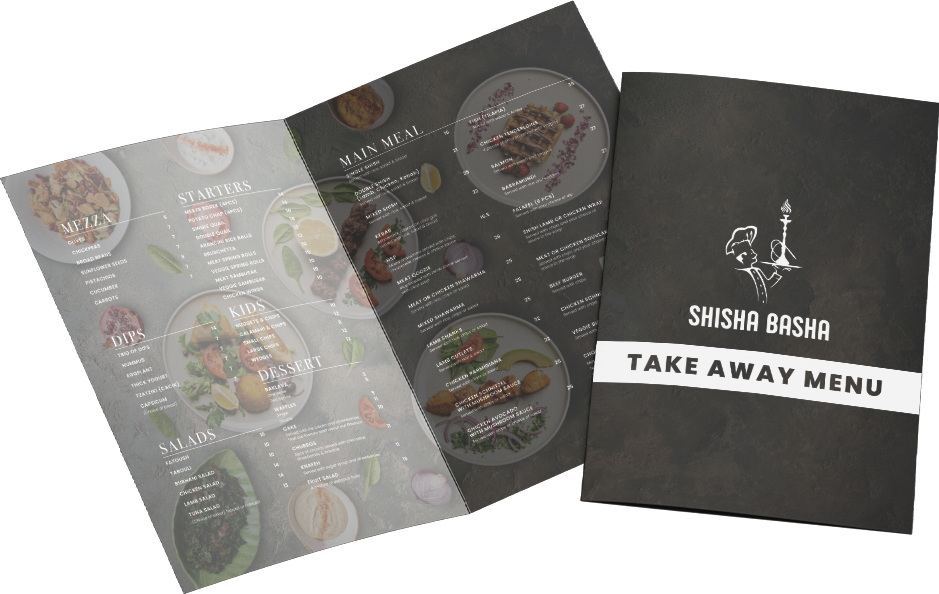
For cafes, restaurants and takeaways, print is part of the meal. The menu, the bag sticker and the card that brings people back all shape how customers remember you. Here’s what to print, which sizes work best, and how to make it last on a busy floor.
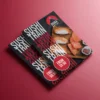
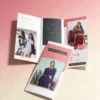
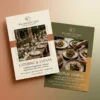
A takeaway menu lives on the fridge, so it needs to be easy to read and tough enough to survive. These are the most popular formats:
| Format | Folded size | Best for |
|---|---|---|
| DL flyer | 99 x 210 mm | Short menus, letterbox drops, the counter stack |
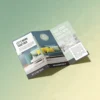
| A4 Z fold | DL | Bigger menus that still fit a letterbox and a fridge magnet |
| A4 half fold | A5 | Full menus with photos, opening like a small booklet |
| A4 flyer | Flat A4 | Single-page menus and price lists |
Choose a heavier 250gsm stock where it’s offered. It feels better in the hand and holds up to being handled, folded and stuck under a magnet.
A poster in the window works around the clock. Use A3 posters for daily specials and happy hour, and A2 or A1 for a new menu launch, live music nights or a grand opening. Keep it to one message people can read from across the street.
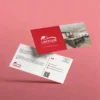
“Buy nine, get the tenth free” still works. Print loyalty cards at business card size, so they fit in a wallet, with your logo on one side and stamp spaces on the other.
Tip: skip gloss on loyalty cards
Stamp ink and pens smudge on a gloss finish. Choose matte for the side you stamp, and test your stamp on a sample card before a big run.
A branded sticker turns a plain paper bag or box into your packaging. Use them to seal bags, brand coffee cups, label sauces or show allergen and “contains nuts” notes.
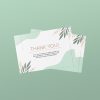
Drop a thank you card into delivery and takeaway orders. Add a QR code to leave a review or a code for 10% off the next order. It’s a small touch that turns a one-off order into a regular.
If you run a market stall, food truck or catering stand, a wide pull-up banner makes a great backdrop. Pair it with A6 flyers to hand out, so people can find you again.
Everything for your venue
Menus, posters, stickers and loyalty cards, with ready-made hospitality templates in our online designer.
DL (99 x 210 mm) is the most common. You can print a DL flyer, or fold an A4 sheet down to DL with a Z fold for more room.
For takeaway menus that get handled and kept, 250gsm is a good choice. 150gsm is lighter and cheaper for large letterbox drops.
Paper stickers are fine for dry bags and boxes. For anything cold or wet, choose waterproof synthetic so the sticker stays put and the print doesn’t run.
Appointment cards, letterheads, patient brochures and waiting room posters for medical, dental and allied health clinics, plus the Ahpra advertising rules to keep in mind.
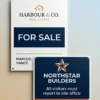
Read the guideWhat real estate agents should print at each stage of a campaign, from just sold postcards and for sale signs to property brochures and open home banners.
Read the guideWhat a builder's sign needs to show, which corflute and mesh banner sizes suit your site, safety sign colours, and design tips for signs people can read from the road.
Read the guideDesign it online
Pick a product, choose a template and make it yours. Bleed and safe zones are already set up. Printed in Australia.